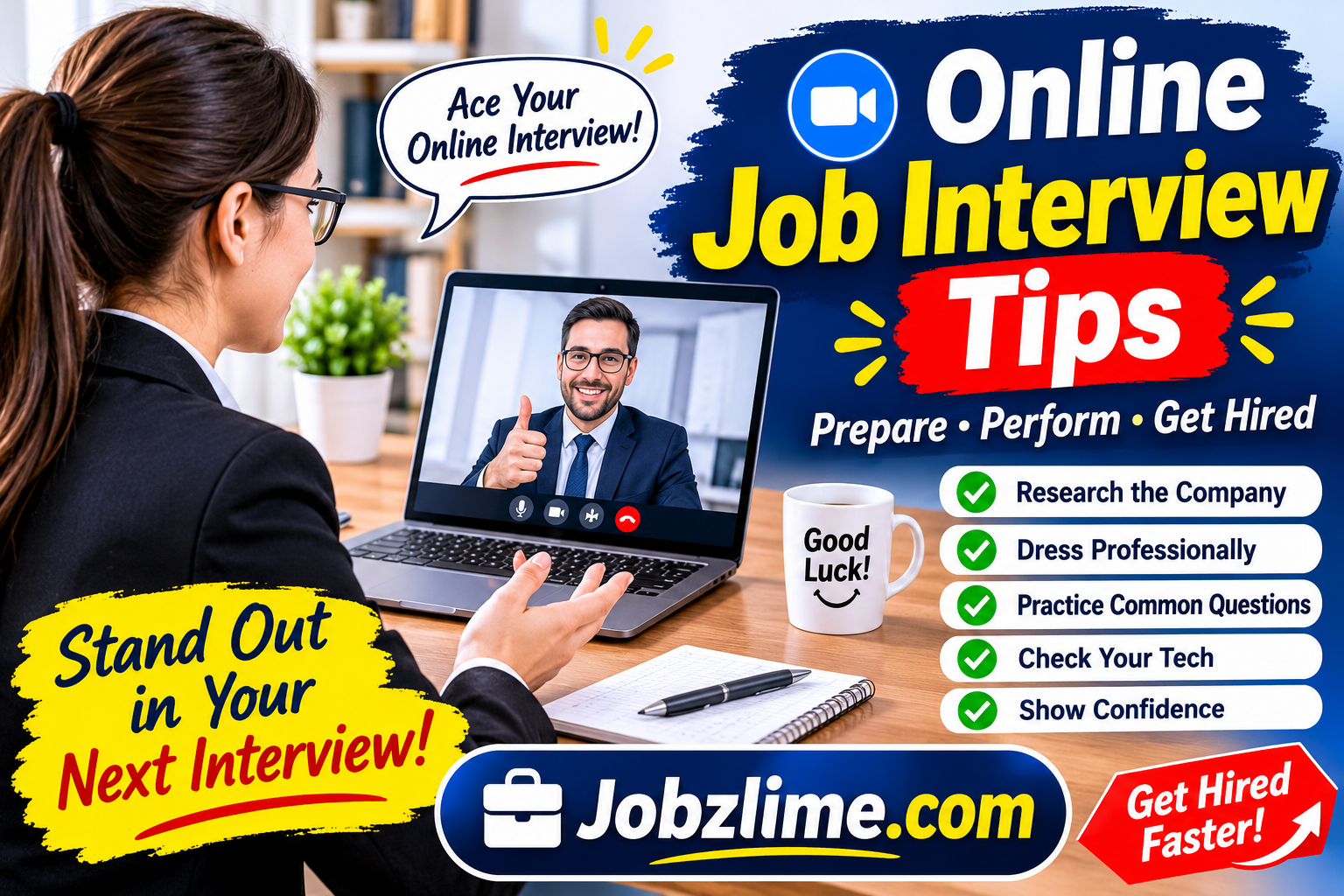
Online job interviews have become an important part of modern recruitment. Companies across Pakistan and around the world increasingly use video interviews to evaluate candidates, discuss job requirements, and select suitable employees. Whether you are applying for a government position, private-sector vacancy, remote job, internship, or international employment opportunity, knowing how to perform confidently in a virtual interview can significantly improve your chances of success. Unlike traditional face-to-face interviews, online interviews require candidates to manage both their professional communication and technical setup. Your internet connection, camera position, background, appearance, speaking style, and preparation can influence an employer’s first impression.
Even highly qualified applicants may struggle if they appear unprepared, experience technical difficulties, or fail to communicate their abilities clearly. Therefore, learning effective online job interview tips is essential for anyone planning to build a successful career in 2026. A successful virtual interview is not simply about answering questions correctly; it is about demonstrating confidence, professionalism, relevant experience, problem-solving abilities, and genuine interest in the position. With proper preparation and a clear strategy, you can present yourself as a strong candidate and stand out from other applicants. This guide explains practical ways to prepare for online job interviews, impress employers, avoid common mistakes, and increase your chances of receiving a job offer.
Prepare Your Interview Environment Before the Meeting
Your interview environment creates an immediate impression on the hiring manager. A clean, quiet, and organized space shows that you take the recruitment process seriously.
Before joining an online interview, choose a location where you can speak comfortably without interruptions. Avoid sitting in crowded rooms, noisy public places, or areas with frequent background activity.
Important preparation steps include:
-
Select a quiet room with minimal background noise.
-
Choose a clean and professional-looking background.
-
Position your laptop or computer on a stable surface.
-
Make sure your face is clearly visible.
-
Remove unnecessary objects from the camera’s background.
-
Inform family members or roommates about your interview schedule.
-
Keep your mobile phone on silent mode.
-
Arrange proper lighting to avoid dark or unclear video quality.
-
Keep your interview documents within reach.
-
Test your seating position before the meeting begins.
A simple and professional environment is usually more effective than an expensive home office.
Research the Company and Understand Its Business
Researching an employer before an interview demonstrates genuine interest in the organization. Employers appreciate candidates who understand their company, products, services, customers, and professional objectives.
Start by visiting the company’s official website. Explore its About Us page, services, recent announcements, career opportunities, and organizational background.
You should also research the following areas:
-
Company history and business activities.
-
Main products or services.
-
Industry position and competitors.
-
Company mission and professional values.
-
Recent projects, achievements, or developments.
-
Organizational culture and working environment.
-
Skills and qualifications required for the advertised position.
-
Potential challenges related to the job.
For example, if you are applying for a digital marketing position, understand the company’s online presence, target audience, advertising activities, and marketing strategy.
This preparation will help you provide relevant answers and ask intelligent questions during the interview.
Select the Right Platform for Your Virtual Interview
Different employers use different video conferencing platforms. Some conduct interviews through Zoom, while others prefer Microsoft Teams, Google Meet, Skype, or their own recruitment systems.
Knowing how to use the selected platform can prevent unnecessary delays.
Before the interview:
-
Download the required application.
-
Create or update your account if necessary.
-
Check your username and profile picture.
-
Test microphone and camera permissions.
-
Learn how to mute and unmute yourself.
-
Understand how to join through an invitation link.
-
Update the application to its latest available version.
-
Check whether the employer requires a password or meeting ID.
-
Practice sharing your screen if the position involves technical demonstrations.
Never wait until the interview begins to install unfamiliar software. Complete all technical preparations in advance so that you can focus on the employer and the discussion.
Create a Professional Appearance for Online Interviews
Your appearance communicates professionalism even when you are attending an interview from home. Dressing appropriately helps create a positive first impression and demonstrates respect for the hiring process.
Choose clothing that matches the company’s professional environment. Formal shirts, business suits, clean traditional professional clothing, and simple office wear are generally appropriate choices.
Consider these appearance tips:
-
Wear clean and properly ironed clothes.
-
Choose professional colors that look suitable on camera.
-
Maintain neat hair and personal grooming.
-
Avoid overly bright or distracting patterns.
-
Wear appropriate clothing even if only your upper body is visible.
-
Avoid unnecessary accessories.
-
Check your appearance through the webcam before joining.
-
Maintain a natural and professional presentation.
Your clothing should not distract the interviewer from your qualifications, experience, and communication skills.
Essential Technical Requirements for a Successful Interview
Technical problems can interrupt your conversation and negatively affect the interview experience. Preparing your equipment beforehand reduces the possibility of avoidable difficulties.
The following table explains the basic requirements for a smooth online interview.
| Technical Requirement | Recommended Preparation | Why It Matters |
|---|---|---|
| Internet connection | Stable broadband or reliable mobile data | Prevents connection interruptions |
| Webcam | Clear camera with suitable positioning | Helps maintain visual communication |
| Microphone | Functional headset or built-in microphone | Makes your voice understandable |
| Laptop or computer | Fully charged and updated device | Supports uninterrupted participation |
| Lighting | Front-facing natural or artificial light | Improves facial visibility |
| Headphones | Comfortable working headset | Reduces background noise |
| Backup internet | Mobile hotspot or alternative connection | Helps manage unexpected outages |
Test everything at least 20 to 30 minutes before your scheduled interview. If possible, keep a backup internet connection available.
Improve Your Communication Skills for Virtual Meetings
Strong communication is one of the most valuable qualities employers evaluate during online interviews. Your ability to explain ideas, discuss professional experience, and answer questions clearly can distinguish you from other candidates.
Online communication requires slightly more attention because the interviewer cannot observe your complete body language.
Develop these communication habits:
-
Speak clearly and at a moderate speed.
-
Use simple and professional language.
-
Listen carefully before answering.
-
Avoid interrupting the interviewer.
-
Keep your answers relevant to the question.
-
Maintain a respectful and positive tone.
-
Avoid unnecessary technical terminology.
-
Express your ideas confidently.
-
Ask for clarification when a question is unclear.
-
Thank the interviewer for their time.
Practice speaking in front of a camera to identify problems with your speaking speed, pronunciation, and confidence.
Traditional Interviews vs Online Job Interviews
Although both interview formats evaluate a candidate’s suitability, they have different requirements. Understanding these differences can help you prepare more effectively.
| Interview Factor | Traditional Interview | Online Interview |
|---|---|---|
| Interview location | Employer’s office | Home or another suitable location |
| Communication | Face-to-face conversation | Video and audio communication |
| Technical requirements | Usually minimal | Internet, camera, and microphone |
| Body language | Full physical observation | Mostly upper-body observation |
| Travel requirements | Usually necessary | Usually unnecessary |
| Background | Office environment | Candidate’s selected environment |
| Technical interruptions | Less common | Possible internet or software issues |
| Preparation | Travel and document planning | Equipment and environment testing |
| First impression | Personal appearance and behavior | Appearance, video quality, and behavior |
Both formats require professional behavior, preparation, confidence, and relevant knowledge.
Master the Most Common Online Interview Questions
Preparing answers to frequently asked interview questions can help you feel more confident during the actual meeting.
Employers commonly ask questions about your education, work experience, professional strengths, career objectives, and interest in the organization.
Some important questions include:
-
Tell me about yourself.
-
Why do you want to work with our company?
-
What are your strongest professional skills?
-
What is your biggest weakness?
-
Why should we hire you?
-
What do you know about this position?
-
Describe a difficult situation you handled successfully.
-
How do you manage workplace pressure?
-
What are your long-term career goals?
-
What salary expectations do you have?
-
How do you handle criticism?
-
Are you comfortable working remotely?
Prepare honest answers rather than memorizing lengthy scripts. Your responses should reflect your actual qualifications and professional experiences.
Use the STAR Method to Answer Behavioral Questions
Behavioral questions help employers understand how you respond to real workplace situations. Instead of giving general statements, you should support your answers with practical examples.
The STAR method provides a simple structure for explaining your experiences.
| STAR Element | Meaning | What to Explain |
|---|---|---|
| Situation | Background | Describe the situation or challenge |
| Task | Responsibility | Explain what you needed to accomplish |
| Action | Your contribution | Discuss the steps you personally took |
| Result | Outcome | Explain the final achievement |
For example, if an interviewer asks how you handled a difficult project, describe the challenge, your responsibility, the actions you performed, and the measurable outcome.
Fresh graduates can also use examples from university assignments, internships, volunteer activities, and academic projects.
Maintain Eye Contact and Positive Body Language
Body language plays an important role in creating a professional impression. During online interviews, the camera becomes your primary way of communicating nonverbal confidence.
Avoid looking constantly at your keyboard, mobile phone, or another screen. Position the interview window near your webcam so that looking at the interviewer appears more natural.
Follow these practical suggestions:
-
Look toward the camera when speaking.
-
Maintain a comfortable and upright posture.
-
Smile naturally when appropriate.
-
Keep your facial expressions professional.
-
Avoid excessive hand movements.
-
Do not repeatedly adjust your chair.
-
Nod naturally when listening.
-
Avoid crossing your arms for extended periods.
-
Maintain a relaxed and attentive appearance.
Positive body language can make your communication appear more natural and engaging.
Manage Interview Time and Join the Meeting Early
Punctuality is an important professional quality. Joining an online interview late may create a negative impression, particularly when several candidates are competing for the same position.
Plan your schedule carefully and leave enough time for technical preparation.
A useful interview preparation timeline is:
| Time Before Interview | Recommended Activity |
|---|---|
| 24 hours | Review the job description and company information |
| 2 hours | Check internet connection and interview documents |
| 30 minutes | Test camera, microphone, and meeting software |
| 15 minutes | Arrange your background and appearance |
| 5 minutes | Open the meeting invitation and prepare to join |
| Scheduled time | Join the meeting and greet the interviewer |
Joining approximately five to ten minutes early is generally a good practice. If the interviewer has not joined yet, remain patient and avoid sending repeated messages.
Prepare Your Resume and Supporting Documents
Your resume is one of the most important documents in the recruitment process. During an online interview, the employer may ask questions about specific qualifications, employment history, technical abilities, or achievements mentioned in your CV.
Keep a digital and printed copy of your resume nearby.
Important documents to prepare include:
-
Updated professional resume.
-
Educational certificates and degrees.
-
Relevant training certificates.
-
Professional portfolio or project samples.
-
Previous employment details.
-
Internship experience.
-
Professional references, when requested.
-
Job advertisement or vacancy description.
-
Notes about your major achievements.
Organize your documents into clearly named digital folders. This makes it easier to find and share relevant information when requested.
Never provide false qualifications or exaggerate your professional experience.
Demonstrate Your Skills Through Real Examples
Employers are interested in what you can actually contribute to their organization. Simply claiming that you are hardworking, talented, or responsible may not be enough to convince a hiring manager.
Support your abilities with examples from your previous work, academic projects, internships, or personal initiatives.
For instance:
-
A graphic designer can present completed design samples.
-
A software developer can discuss coding projects.
-
An accountant can explain financial reporting experience.
-
A teacher can describe classroom management techniques.
-
A digital marketer can discuss campaign performance.
-
A customer support representative can explain complaint resolution.
-
A fresh graduate can demonstrate university project achievements.
Whenever possible, use measurable results. Explain how your work improved efficiency, increased engagement, reduced errors, or helped complete a project successfully.
Ask Intelligent Questions at the End of the Interview
Most employers provide candidates with an opportunity to ask questions before concluding the interview. This is an excellent chance to demonstrate interest in the position.
Prepare two or three thoughtful questions that help you understand the job and organization.
Consider asking:
-
What are the main responsibilities of this position?
-
What would success look like during the first three months?
-
How does the company support employee development?
-
What tools and technologies does the team use?
-
How is employee performance evaluated?
-
What are the next stages of the recruitment process?
-
Will the position involve remote, hybrid, or office-based work?
Avoid asking questions that have already been answered during the discussion.
You should also avoid focusing entirely on salary, holidays, and benefits during the first few minutes of an interview. Understand the role before discussing employment conditions.
Build Confidence Through Regular Interview Practice
Confidence develops through preparation and practice. Candidates who regularly practice answering interview questions are generally better prepared to communicate their abilities.
You do not need expensive coaching to improve your interview performance. A computer, webcam, and list of common questions can provide an effective practice environment.
Use the following practice methods:
-
Record yourself answering common questions.
-
Practice speaking in front of a mirror.
-
Ask a friend to conduct a mock interview.
-
Review your pronunciation and speaking speed.
-
Practice explaining your professional achievements.
-
Prepare short introductions about your education and experience.
-
Practice answering unexpected questions.
-
Improve your listening and comprehension abilities.
-
Review your performance after every practice session.
Try to practice for 15 to 20 minutes daily when preparing for an important interview.
Common Mistakes That Can Reduce Your Selection Chances
Even qualified candidates can damage their interview performance through avoidable mistakes. Understanding these problems will help you present yourself more professionally.
Some mistakes to avoid include:
-
Joining the interview without testing your equipment.
-
Wearing inappropriate or untidy clothing.
-
Sitting in a noisy environment.
-
Giving extremely long and confusing answers.
-
Speaking negatively about previous employers.
-
Interrupting the hiring manager.
-
Looking at your mobile phone repeatedly.
-
Providing dishonest information about your experience.
-
Appearing uninterested in the position.
-
Reading every answer directly from prepared notes.
-
Complaining about previous workplace experiences.
-
Asking questions without listening to the interviewer’s explanations.
-
Forgetting to thank the interviewer.
Professionalism is demonstrated through small actions as well as major qualifications.
How Fresh Graduates Can Impress Employers Without Experience
Fresh graduates often worry about competing with candidates who already have professional experience. However, employers also consider communication, learning ability, academic achievements, technical knowledge, and willingness to develop.
If you have recently completed your education, focus on demonstrating your potential.
You can impress employers through:
-
Relevant university projects.
-
Internship experience.
-
Online professional certifications.
-
Volunteer activities.
-
Technical and computer skills.
-
Communication abilities.
-
Problem-solving examples.
-
Teamwork experience.
-
Personal projects and practical assignments.
-
Willingness to learn new technologies.
For example, a fresh computer science graduate can discuss a university software project, explain the programming languages used, and describe the problems solved during development.
Be honest about your experience while demonstrating that you are ready to learn and contribute.
Salary Negotiation Strategies During Online Interviews
Salary discussions are an important part of the recruitment process. Candidates should understand their market value and communicate their expectations professionally.
Before the interview, research the typical salary range for your position, experience level, and industry.
The following table explains different salary discussion approaches.
| Situation | Recommended Response |
|---|---|
| Employer asks about expected salary | Provide a reasonable range based on market research |
| You are unsure about the salary | Ask about the company’s approved compensation range |
| Offer is below expectations | Politely discuss your qualifications and expectations |
| You are a fresh graduate | Focus on learning opportunities and fair compensation |
| Employer offers additional benefits | Consider the complete compensation package |
| Salary is negotiable | Remain flexible while explaining your requirements |
Avoid making unrealistic demands without understanding the responsibilities and compensation structure.
A professional salary discussion should be respectful, realistic, and based on your skills and the job market.
Follow Up Professionally After Completing the Interview
Your professional interaction should not end immediately after leaving the virtual meeting. Sending a polite follow-up message can reinforce your interest in the position.
A thank-you email is a simple way to appreciate the interviewer’s time and maintain professional communication.
Your follow-up message should include:
-
A polite greeting.
-
Appreciation for the interview opportunity.
-
A brief reference to the position.
-
A statement expressing continued interest.
-
A professional closing.
Ideally, send your thank-you message within 24 hours after the interview.
Avoid sending repeated messages asking about the selection decision. If the employer provides a specific response timeline, respect that schedule.
Special Preparation Tips for International and Remote Job Interviews
Candidates applying for international companies and remote positions may face additional interview requirements. Employers may evaluate their ability to communicate across different time zones, collaborate online, and work independently.
Preparation should focus on both technical knowledge and remote working skills.
Important considerations include:
-
Confirm the interview time according to your local time zone.
-
Understand the company’s remote working policies.
-
Prepare examples of independent project management.
-
Demonstrate familiarity with collaboration platforms.
-
Explain how you organize daily tasks.
-
Discuss your ability to meet deadlines.
-
Highlight written and spoken communication skills.
-
Demonstrate familiarity with online productivity tools.
-
Understand the position’s working hours.
-
Clarify whether the role is full-time, part-time, or contract-based.
For Pakistani candidates applying to international opportunities, clear English communication, reliable internet access, and professional online behavior can be particularly valuable.
Your Complete Online Job Interview Preparation Checklist
A preparation checklist helps ensure that you do not overlook important details before joining an interview.
Use the following checklist to organize your preparation:
| Preparation Task | Completion |
|---|---|
| Read the complete job description | Yes / No |
| Research the company | Yes / No |
| Review your resume | Yes / No |
| Prepare common interview answers | Yes / No |
| Test internet connectivity | Yes / No |
| Check camera and microphone | Yes / No |
| Select professional clothing | Yes / No |
| Arrange a quiet interview location | Yes / No |
| Prepare supporting documents | Yes / No |
| Practice your introduction | Yes / No |
| Prepare questions for the employer | Yes / No |
| Confirm the interview date and time | Yes / No |
Complete these tasks before the scheduled meeting to reduce stress and improve your confidence.
Conclusion: Make Every Online Interview an Opportunity to Succeed
Online job interviews provide excellent opportunities for job seekers to connect with employers, demonstrate their abilities, and compete for professional positions without traveling to company offices. However, success requires more than having an impressive educational background or an attractive resume. Candidates must combine technical preparation, professional appearance, effective communication, company research, and confident presentation to create a positive impression. By choosing a suitable interview environment, testing your equipment, practicing common questions, maintaining eye contact, and providing meaningful examples of your achievements, you can improve your overall performance. Fresh graduates should focus on their academic projects, internships, transferable skills, and willingness to learn, while experienced professionals should highlight their contributions and measurable career achievements.
Remember that every interview is also an opportunity to understand an employer’s expectations and evaluate whether the position matches your career goals. Do not become discouraged if you are unsuccessful in your first attempt. Learn from each experience, improve your communication, and continue developing relevant professional skills. Apply these online job interview tips consistently, remain honest and confident, and approach every virtual meeting with preparation and professionalism. With the right strategy and a positive attitude, you can increase your chances of impressing employers and securing your desired job opportunity in 2026.